Change a purchase quantity without losing the agreed arrival date
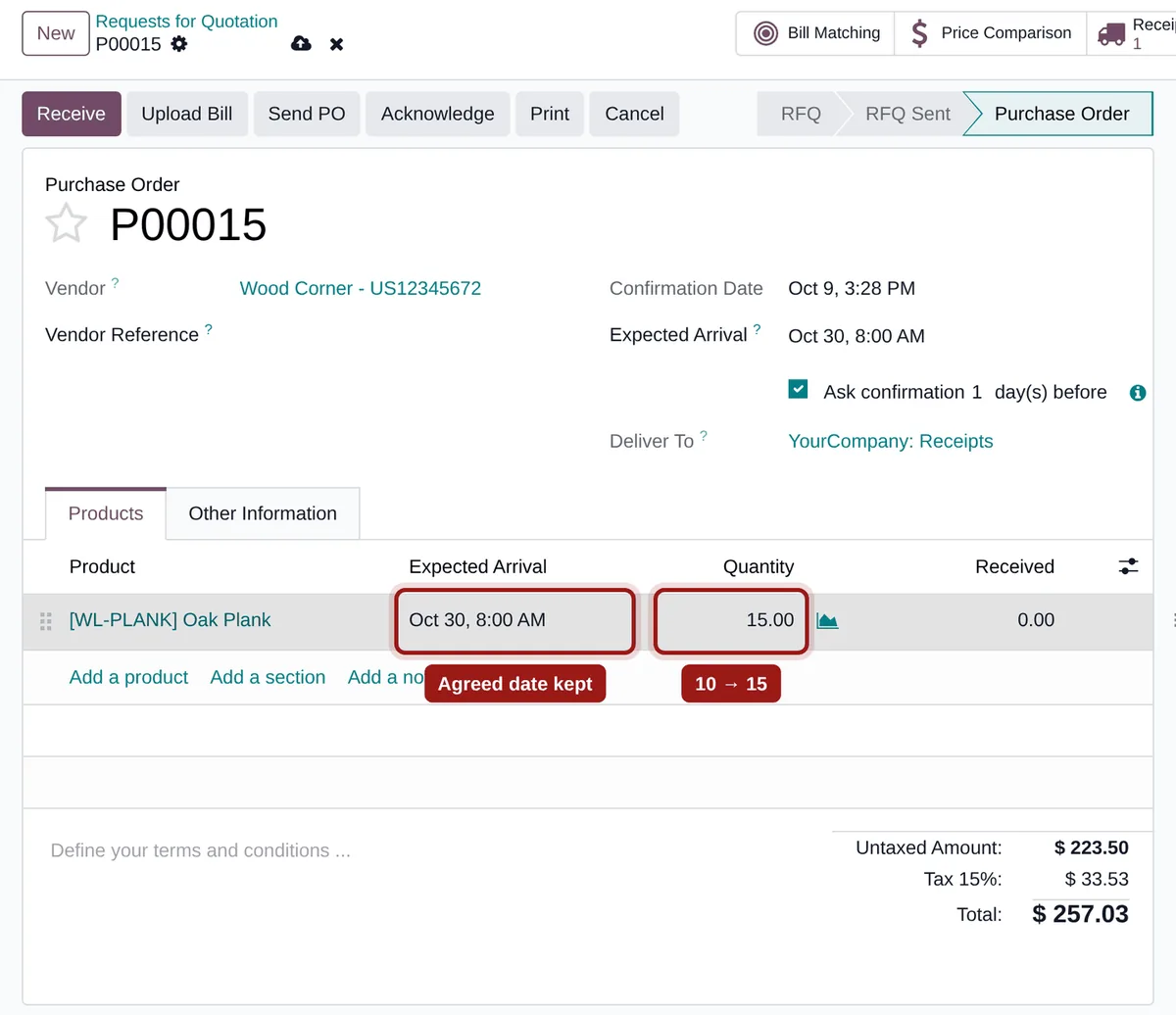
Your vendor confirmed a date and you typed it on the purchase order. You change the quantity: Odoo recomputes the date from the vendor lead time and splits the receipt. Keep PO Arrival Date keeps the agreed date and a single receipt.
A quantity changed, a date lost
Standard Odoo behaviour as soon as the product has a vendor price list.
The agreed date is overwritten
The expected arrival goes back to “order date + vendor lead time”, without warning.
The receipt gets split
The line no longer matches its receipt: the extra units land in a second move, with another date.
A decrease becomes a return
Lowering the quantity can even create a return to the vendor instead of correcting the existing receipt.
What Keep PO Arrival Date does
A single rule, applied to confirmed purchase orders.
The date stays
Changing the quantity, unit or vendor price list of a confirmed line no longer touches the expected arrival.
One receipt, one move
The new quantity updates the existing receipt move: no second move, no return.
Nothing else changes
Prices and descriptions are recomputed as usual, RFQs keep the standard behaviour, the date can still be edited by hand.
Nothing to configure
-
Install the module
It applies to every confirmed purchase order.
-
Change a quantity
Purchase › Orders, open a confirmed order and change the quantity of a line: the expected arrival keeps its value.
-
Check the receipt
The receipt shows one move per line, with the new quantity and the same date.
Frequently asked questions
Other friction in your purchasing?
Show us the flow that gets stuck: we tell you whether a setting is enough or a module is needed.