Switch email template without printing the same PDF again
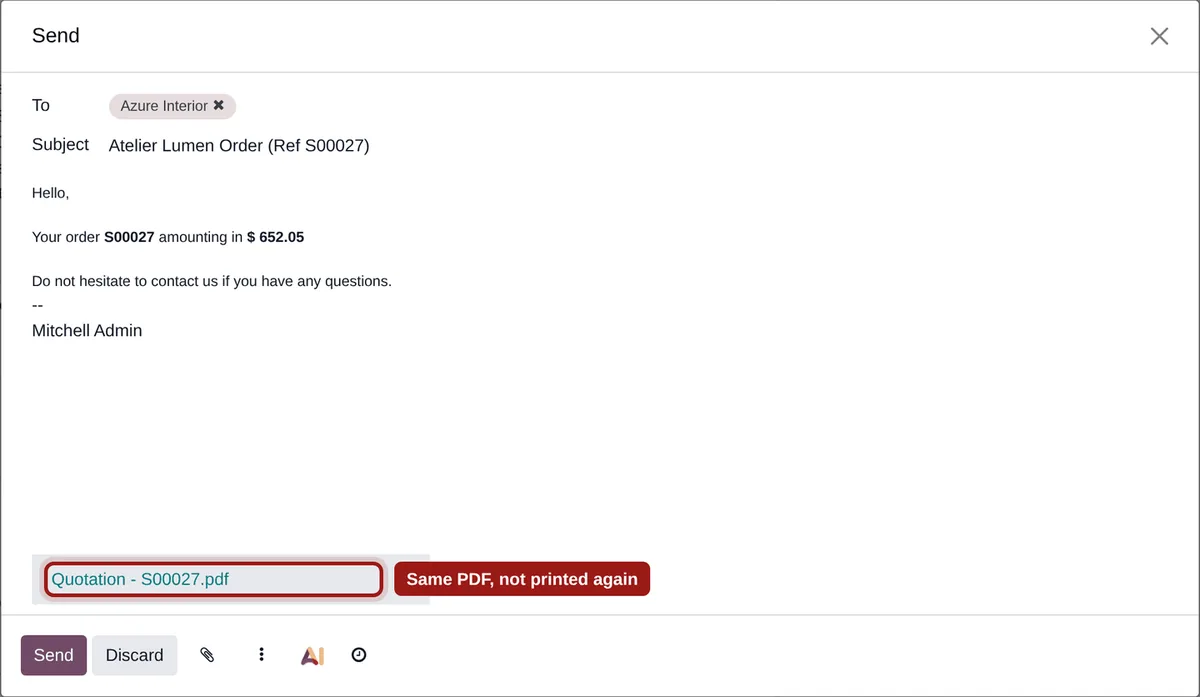
In the “Send by email” window, every template switch prints the PDF report again, even when it is the same report for the same document, printed a few seconds earlier. Mail Composer PDF Reuse reuses the PDF already there.
A wait and a duplicate at every click
On a quotation, an invoice or a purchase order, at every template switch.
Seconds of waiting
Each print waits for the PDF engine: on a long quotation, that is seconds at every click.
Duplicate PDFs in the database
Each print stores one more copy of the PDF, only removed by the daily clean-up.
For an identical result
The reprinted report is the same as the one already attached in the window.
The same quotation, before and after
On a demo quotation (Odoo 19 Community), one opening of the window then three template switches:
Measured on our test server. Read the full analysis.
What Mail Composer PDF Reuse does
The PDF already printed in the window is reused, not printed again.
Instant switching
The report already printed in this window is attached again at once, without calling the PDF engine.
No duplicate
One stored PDF per report and document, however many times you switch template.
Always up to date
A new window prints a fresh PDF: what you send reflects the data at that moment.
Nothing to configure
-
Install the module
It works for every user and every email template that attaches a report.
-
Open the send window
For example “Send by email” on a quotation: the report of the default template is printed once.
-
Switch template
Pick another template attaching the same report: the PDF stays attached at once, as often as needed.
Frequently asked questions
Other slow spots in your Odoo?
We measure before fixing: tell us where you are waiting.