Choose who may use Odoo 20 AI and spend your credits
In Odoo 20 the built-in AI is everywhere, and each use spends Odoo AI credits. The standard has no group to keep it for some people. AI Access Group adds an “AI User” group: Ask AI is hidden for everyone else, and the server refuses it to them. Free, for Odoo 20 Enterprise only: it depends on the ai module, which Community does not have, and there is no Odoo 19 version.
Everybody spends your AI credits
Top bar, messaging, editor, emails, file viewer, images, command palette, transcriptions: every click is billed in credits.
No group for the AI
The standard cannot keep the AI for a few people. Only the “light user” role hides the top button, and it removes much more than the AI.
Credits, no own key
Each use spends Odoo AI credits, since the own OpenAI key is gone in Odoo 20.
Hiding a button is not enough
The AI routes answer any logged-in user who calls them directly, button visible or not.
What AI Access Group does
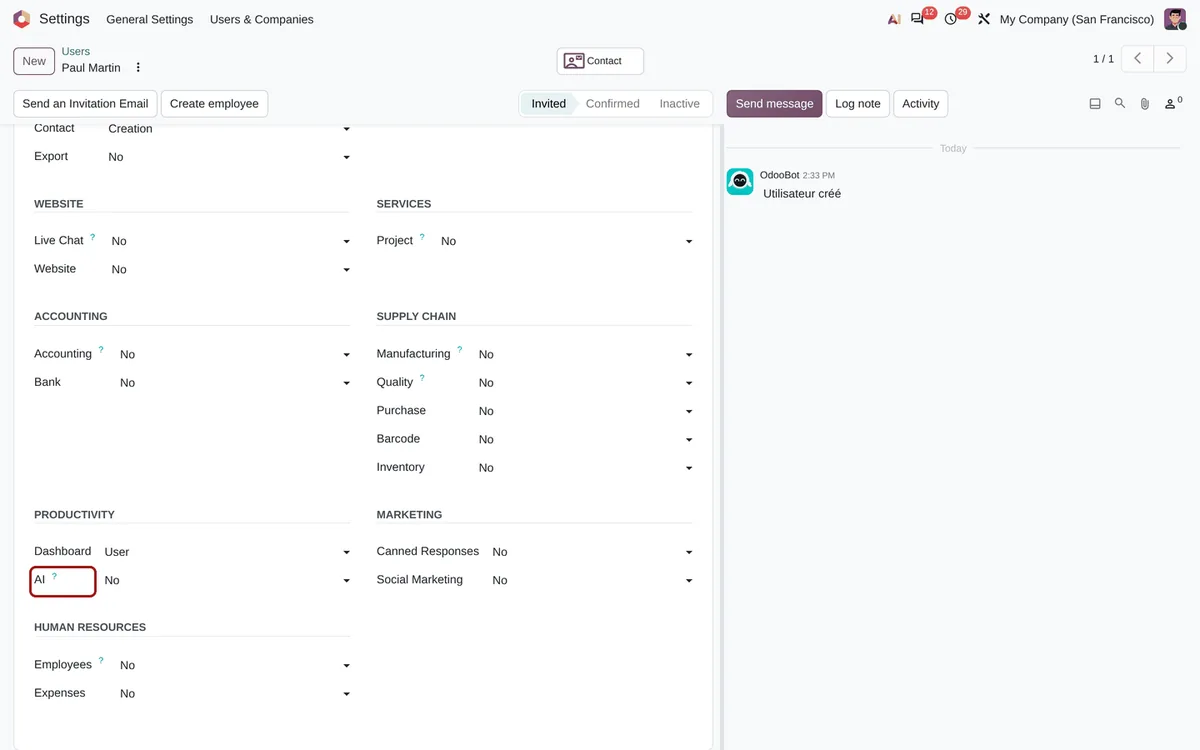
A Productivity › AI right, checked in the interface and on the server.
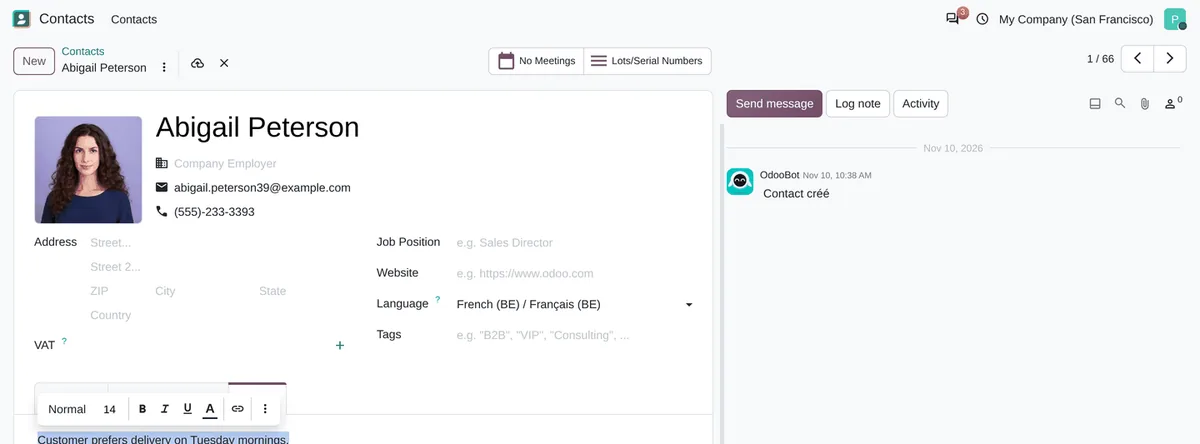
Hidden outside the group
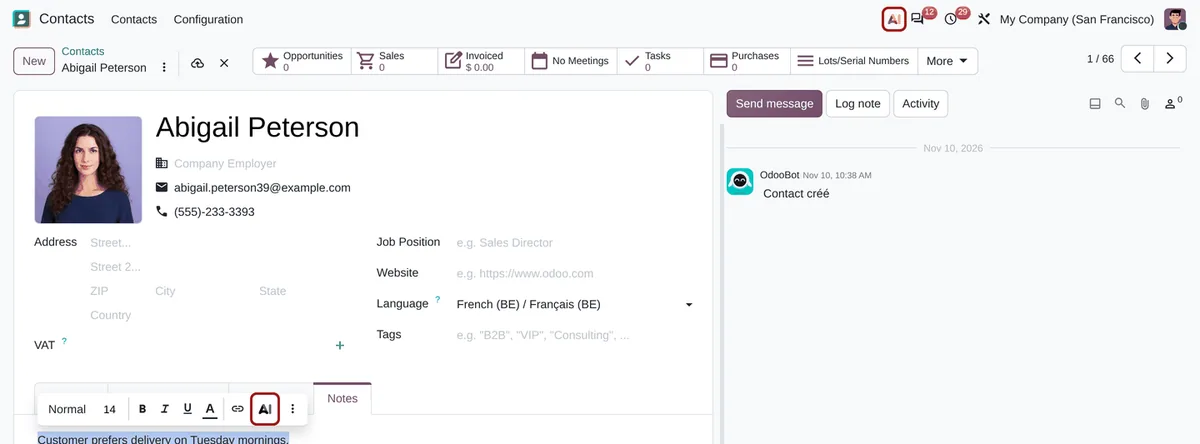
Ask AI in the top bar, the AI tab of the messaging menu, the editor AI button and its commands, Ask AI in the email composer and the file viewer, image generation, Ask AI in Ctrl+K, call transcription.
Refused by the server
The AI routes, the opening of an AI chat and meeting transcription are refused outside the group: a direct call gets an access error, before any credit is spent.
Nobody cut off at install
Every existing internal user keeps the AI: you then remove the people you choose. Administrators always keep it.
Left open, on purpose
Automations (AI fields filled by the scheduled action, AI server actions, templates with prompts), the AI agents of the website and portal chat, and MCP are untouched.
AI fields too
The companion AI Access Group - Fields installs itself with AI fields and hides their AI button too, refused by the server outside the group.
Nothing more to load
The interface reads one flag sent with the session, no extra request; on the server, one cached group check per AI request.
Install, then remove whoever you want
-
Install: nothing changes yet
Every existing internal user joins the AI User group: nobody loses the AI by surprise.
-
Remove the people who should not use it
Settings › Users, a user, Productivity › AI set to No. New users are not in the group, unless you add it to the default access rights.
-
They see Odoo without the AI
At their next page load, the AI entry points disappear; if they call an AI route anyway, the server answers with an access error.
Frequently asked questions
Our other Odoo modules
Are your AI credits melting away?
Tell me who should keep the AI in your team: I tell you how to set it up.